
 Translate
Change email and password
2026-02-05
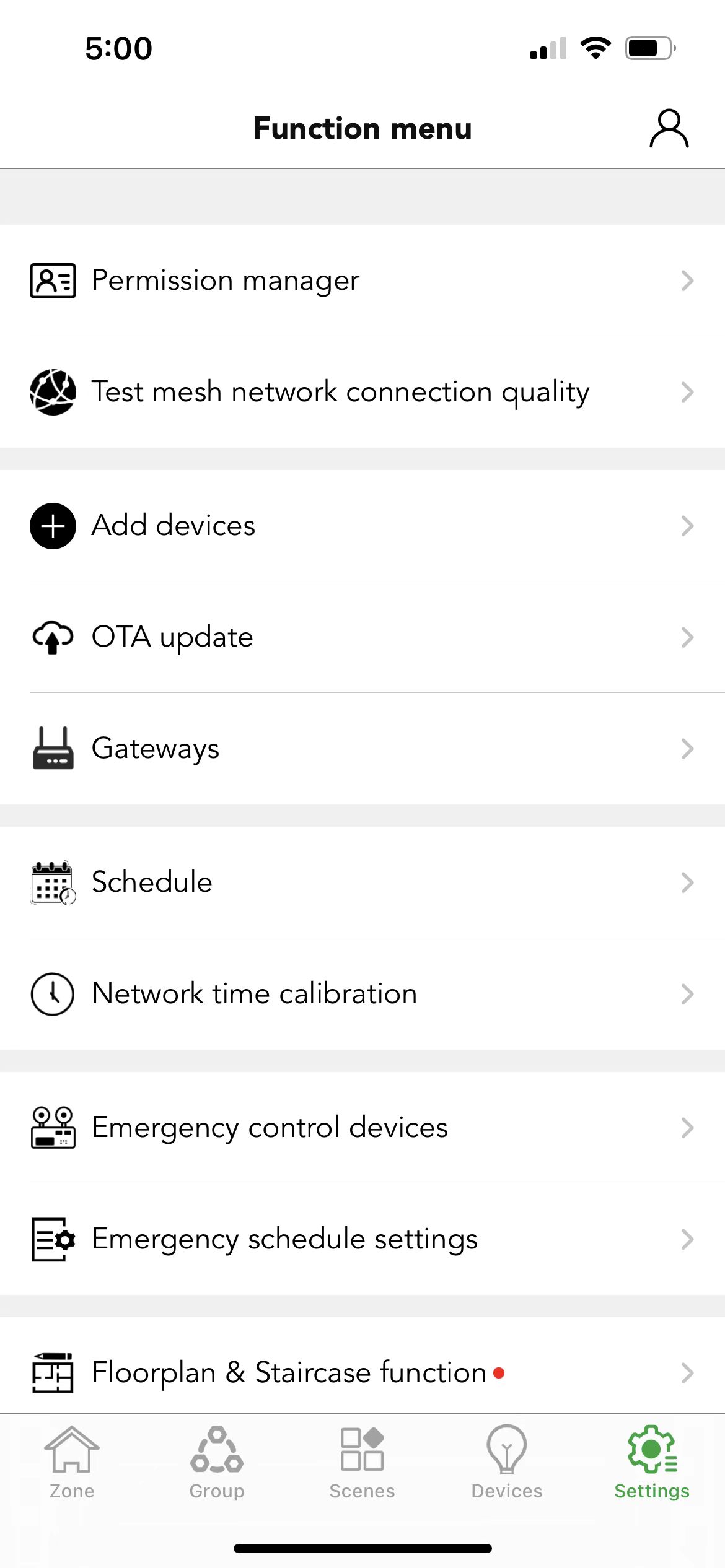
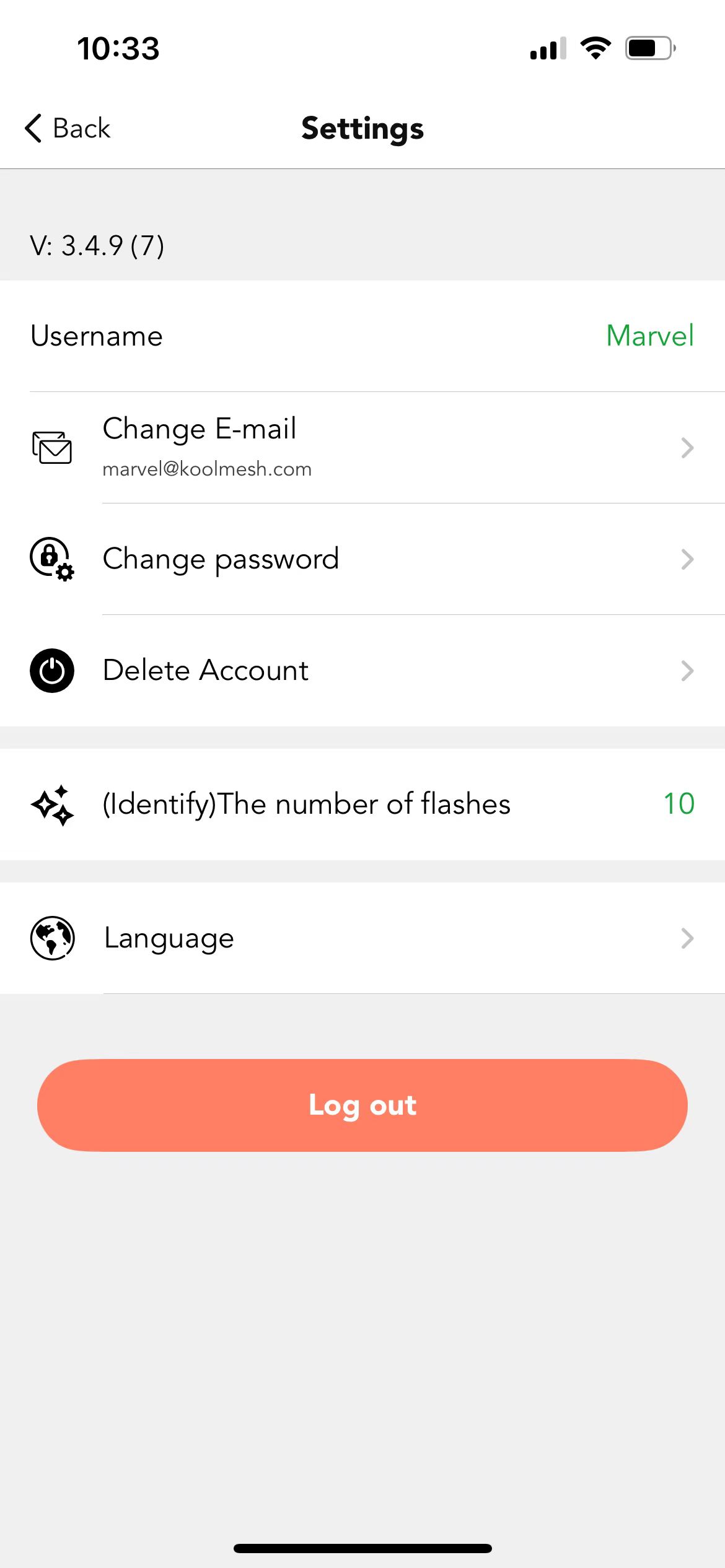
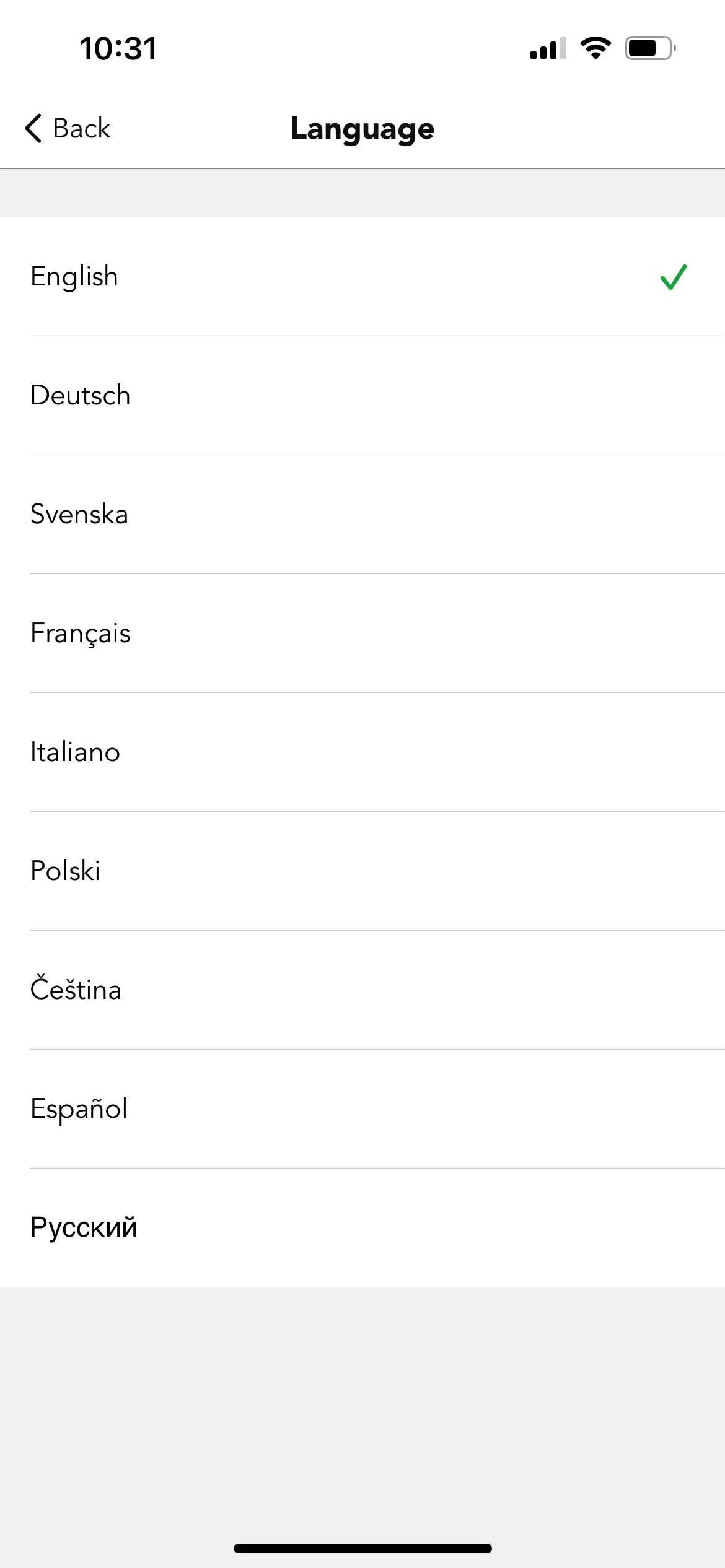
Users can update their registered email address, change their account password, delete their account, and adjust the language settings of the Koolmesh app by clicking the icon  in the top-right corner of the Settings page. The app supports ten languages: English, Deutsch, Svenska, Français, Italiano, Polski, Čeština, Español, Русский, and Português.
(Identify) The number of flashes
Users can set the number of flashes when identifying the sensor; the default is 10 flashes.
Font Scaling
To accommodate different user preferences, we also offer a font scaling function for adjusting the font size.